How to use a walkie-talkie in five steps
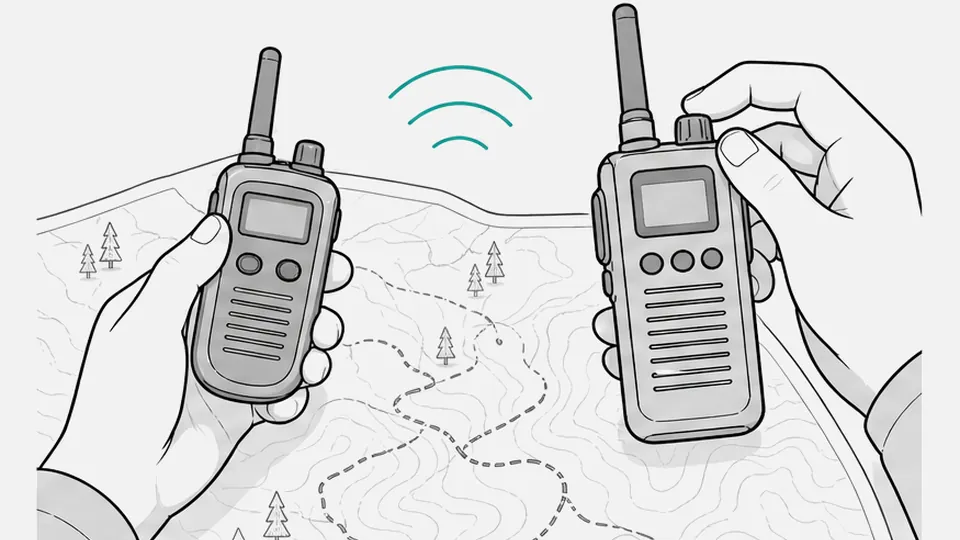
Five settings and one button cover almost every walkie-talkie. You switch it on, set the volume, pick a channel and a privacy code, then hold the push-to-talk button (PTT) and speak.
- Switch the radio on and set the volume.
- Pick the same channel on every radio in your group.
- Pick the same privacy code on every radio, or switch the code off.
- Hold PTT, wait about a second, then speak.
- Release PTT to listen.
Button names differ by model, so keep the maker's manual close. The examples below come from real manuals.
Switch on a walkie-talkie and set the volume
Two designs are common. A knob on top turns the radio on when you twist it clockwise. A button turns it on when you hold it for a second or two.
| Radio | Switch on | Change channel | Lock the keypad |
|---|---|---|---|
| Motorola Talkabout T42 | Hold the MENU button | Press MENU until the channel number flashes, then + or - | Hold the lock button until the key icon shows1 |
| Motorola Talkabout T800 | Turn the Power/Volume knob clockwise | Press Menu/Lock until the channel blinks, then + or -, then PTT to save | Hold Menu/Lock until the lock icon shows2 |
| Midland LXT600 | Turn the power/volume knob clockwise | Press MENU once, then up or down | Hold CALL for 4 seconds3 |
| Rocky Talkie Mountain Radio | Hold the red power button for 2 seconds | Push the channel flipper forward or back | Hold the flipper forward for 2 seconds4 |
Every radio gives a sign that it is on. The T800 chirps and shows its icons, then the channel and code.2 The Mountain Radio gives a double beep and shows the battery percentage for 2 seconds.4 The Motorola XT420, a business radio, plays a tone and announces the channel in a voice.5
Turn the volume up only in noisy places. Motorola warns against holding the speaker against your ear, and says to turn the volume down before you add a headset.26
Walkie-talkie channel and privacy code: set both radios the same
A channel is the frequency your group shares. PMR446 radios in Europe and the UK have 16 analog channels.7 FRS radios in the US have 22.8 Pick a channel that nobody near you uses, and set it on every radio.
A privacy code is a quiet tone that opens the speaker only for your group. Motorola says every radio in the group must use the same channel and the same code.2 The code 0 switches the filter off. A radio with the code off hears everyone on the channel, so a code is not secrecy.9
Radios of different brands can share a channel and a tone. The matcher shows the setting that puts a second radio on the same code. The full tables are in channels and privacy codes.
Channel and code matcher
Pick your radio, its channel and privacy code, then the other radio: you get the setting that puts both on the same frequency and tone.
Push to talk: how to speak on a walkie-talkie
Hold PTT for the whole message and release it when you finish. Letting go early cuts off words, and those words can matter.10
Wait before you speak. Some digital and business radios beep when the channel is yours, and Tait advises waiting for that beep.10 On a basic analog radio, a dealer guide says to wait a beat until the radio is sending.11 One second is a safe start.
Hold the radio close to your mouth and do not cover the microphone. The distance depends on the model:
- The Talkabout T42 asks for 2-3 cm (about 1 in).1
- The Talkabout T800 asks for 1 in (2.5 cm).2
- Tait gives 1-2 in (2-5 cm) for a radio microphone.10
- The Rocky Talkie Mountain Radio has its microphone in the speaker cavity, and the manual says 10-20 cm (4-8 in).4
Speak in a normal voice, in short phrases. While you hold PTT you cannot hear the other side, so release the button to listen.2
Keep each call short. A radio stops sending after a set time as a safeguard. The T800 sounds a warning and stops after 60 seconds of continuous talk.2 Stand at least 5 feet (1.5 m) from the other radio during a test, because Motorola says not to use radios closer than that.2
Some radios send a short beep when you release PTT. Motorola describes it as similar to saying "Roger" or "Over".2
Walkie-talkie words and etiquette
Radio words are short and clear because radio audio is poorer than a phone call.13 You need only a few of them.
| Word | Meaning | Example |
|---|---|---|
| Over | I have finished and I expect a reply | "Are you at the gate? Over." |
| Out | I have finished and I expect no reply | "Back at five. Out." |
| Roger, copy | I received and understood you | "Meet at dock 2." "Copy." |
| Say again | Repeat what you just said | "Say again, all after gate." |
| Wait | I need up to five seconds; release PTT | "Wait." |
| Affirmative, negatory | Yes and no, which are harder to lose in noise | "Gate open?" "Negatory." |
| Radio check | How well do you hear me? | "Radio check. Over." |
"Over", "out", "roger", "say again" and "wait" come from the military procedure ACP 125(G). It uses "say again" and not "repeat", and every call ends with "over" or "out".12 "Copy" and "negatory" are common usage and are not in that standard.13
"Over and out" is popular, but the two words contradict each other. "Over" asks for a reply and "Out" says none is needed. Pick one.12
Name the person you call first. Midland's example is "Anthony for Muriel", and the reply is "Go for Muriel".13 Good habits come from the same procedure:
- Listen before you press PTT, so you do not talk over someone.
- Release PTT promptly and keep calls short.
- Skip chat on a shared channel, because only one person can talk at a time.12
Keypad lock, VOX and scan on a walkie-talkie
The keypad lock stops accidental changes in a pocket. On the T42 the lock still lets you talk and send the call tone.1 On the Midland LXT600 the PTT and CALL buttons stay active.3 On the Mountain Radio a locked radio keeps working for volume and PTT but blocks channel changes.4 If the channel will not change, check the lock first.
VOX is voice-operated transmission: the radio starts to send when it hears you, with no button. It suits hands that are busy. The Talkabout T600 and T800 offer levels L1 to L3, and L3 is the most sensitive, so speaking softly is enough.62 The Midland XT50 PRO has six levels, and level 1 is the most sensitive.14 Check which way the scale runs on your radio.
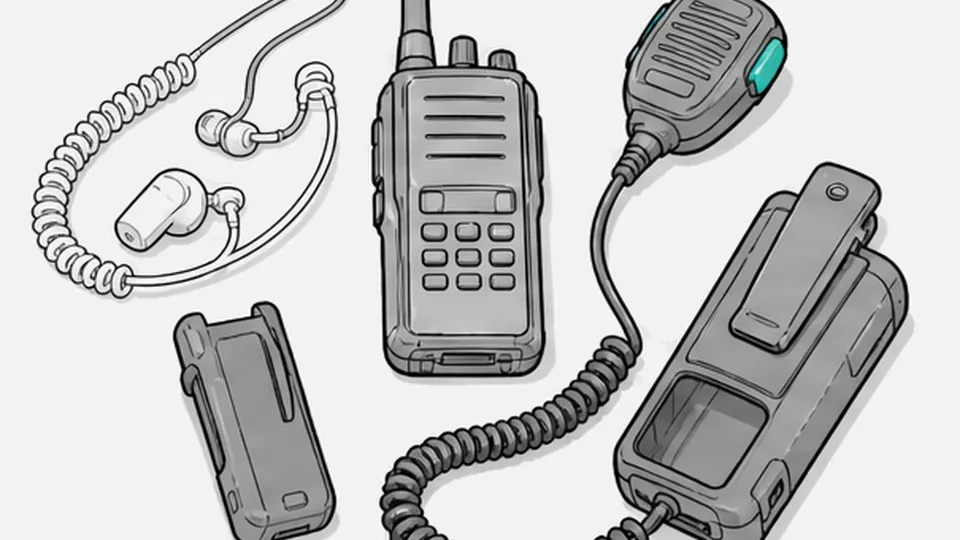
VOX adds a short delay, so the first word can be lost.2 Pressing PTT cancels a VOX call.6 With a headset, VOX needs a compatible accessory. The XT50 PRO headset has a small switch that you move to VOX.14 The XT420 manual says to switch the radio off, plug the accessory in firmly and lower the volume before the accessory goes near your ear.5 More on headsets is in walkie-talkie earpieces and accessories.
Scan cycles through the channels and stops on one where someone is talking. The XT50 PRO resumes scanning after about 5 seconds.14 The LXT600 stops for 4 seconds.3 The Mountain Radio scans its first 22 channels, pauses on activity and resumes after 3 seconds.4 Monitor opens the speaker fully so you hear weak signals, and on the T800 you hold the Scan/Monitor button for 3 seconds.2 The price is loud background noise.14
Walkie-talkie battery care
Radios run on rechargeable packs, on alkaline cells, or on both. The T42 takes three AAA alkaline batteries.1 The T800 takes a NiMH pack or three AA alkaline batteries.2 The Mountain Radio has a replaceable Li-ion pack that charges over USB-C.4
Motorola gives these rules for the T800 NiMH pack:2
- A flat pack charges fully in 11 hours.
- Take the radio off the charger within 16 hours, and do not store it on the charger.
- After a move between hot and cold, wait about 20 minutes before you charge.
- When the pack sits unused, charge it once every three months.
- Before long storage, take the battery out, and keep it between -20 and 35 °C (-4 and 95 °F) in low humidity.
The T800 chirps when the battery is low.2 Rocky Talkie advises charging the radio fully before long storage and checking that the battery stays above 70%.4
When the other walkie-talkie is silent
Work through these checks in order. Most silent radios fail on one of the first four.
- Channel. Both radios show the same number, and both use the same service.
- Code. Both show the same code, or both have it off. A code on one radio only breaks the match.2
- Mode. Both are analog, or both are digital.
- Volume and lock. The volume is up, and the keypad is unlocked.
- Headset. A plugged-in headset switches off the radio speaker.6
- VOX or scan. Switch both off while you test.
- Distance. Stay 5 feet (1.5 m) apart for the test.2
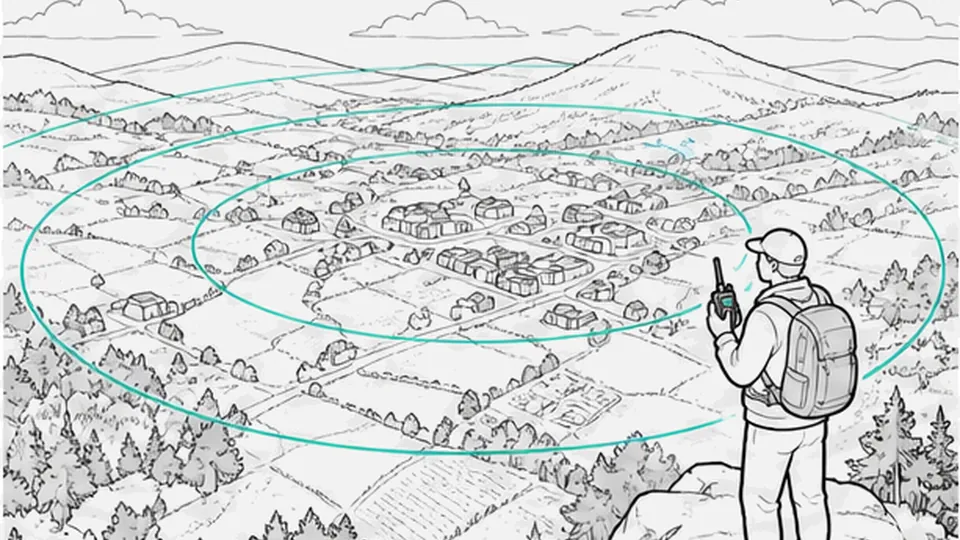
- Range. A PMR446 radio sends 0.5 W.7 Expect a few hundred meters in a town and up to a few kilometers in open country.15 Use the range estimator for your terrain.
Questions
How do you use a walkie-talkie for the first time?
Switch it on, set the volume, and match the channel and privacy code on both radios. Hold PTT, wait about a second, speak from 2-5 cm (1-2 in) away, then release to listen.21011
What do "over" and "out" mean?
"Over" means you have finished and expect a reply. "Out" means you have finished and expect none. Use one of the two, not "over and out".12
How far from my mouth should I hold the radio?
Check the manual. The Talkabout T42 says 2-3 cm, the T800 says 1 in, and Tait gives 1-2 in. The Rocky Talkie Mountain Radio asks for 10-20 cm.12410
Sources
- Talkabout T42 owner's manual · Motorola Solutions
- Talkabout T800/T801 series user guide · Motorola Solutions
- Midland LXT600/630/650 owner's manual · Midland
- Rocky Talkie Mountain Radio user manual · Rocky Talkie
- XT420 user guide · Motorola Solutions
- Talkabout T600 series user guide · Motorola Solutions
- 47 CFR 95.563, FRS channels · eCFR
- Talkabout MS350 series user guide, tone and code table · Motorola Solutions
- Microphone manners: how to use your radio microphone · Tait Communications
Show all 15 sources
- Radio Protocol and Etiquette · Day Wireless Systems
- ACP 125(G) Radio Telephone Procedures, November 2016 · Combined Communications Electronics Board
- Walkie-talkie lingo: sound like a pro · Midland
- Midland XT50 PRO user's manual · Midland Europe
- PMR446 guide · Elektroniskie sakari